Brainboxes logo
Brainboxes · Prove it

Machine data without a controls change

Most of the data a plant or a machine builder wants already exists on the machine. It sits behind a serial port nobody has networked, on a sensor wired only to the controller, or in a panel with no spare Ethernet drop. Brainboxes is the hardware that gets it onto the network, beside the controls and out of the control loop.

Ethernet to serial, remote I/O, industrial Ethernet switches and the BB-400 edge controller, designed and built by Brainboxes in England since 1984. Dynamic is the Brainboxes rep for Northern California and Northern Nevada.

See the product familiesTell us what to connect
Brainboxes DIN rail industrial Ethernet switch
Since 1984Designs, builds and supports its own hardware in Liverpool, England.
Modbus TCPPlus ASCII over TCP, raw TCP, telnet and a Windows virtual COM port.
5 V DCOne 5 V supply runs the switches, serial units and remote I/O.
Rated per partIndustrial and hardened versions in every family, each with its published temperature rating.

Where we put Brainboxes to work

Three jobs, all beside the controls

A data project usually stalls at the same place: the controls vendor wants nothing added to the PLC, IT wants Ethernet and a protocol it already knows, and the data ends up on a clipboard. Every Brainboxes family does one job on the network and stays out of the control loop, which is what lets it into a machine that is already qualified.

The older line, the lab instrument

The instrument, the older controller, the scale or the barcode reader talks RS-232 or RS-485, and the PC that needs it is a room away. An Ethernet to serial unit puts the port on the network, and the PC still sees the COM port it always used.

LabVIEW and the software you have keep working. ES-511, ES-522, ES-551 isolated.

A data port the validated controller never sees

The machine passed its qualification and nobody is opening the control program. Remote I/O reads the same states, counts and temperatures from the field side and serves them as Modbus TCP, so the customer's IT gets data in a protocol it already knows.

Digital, analog, RTD and thermocouple I/O. ED-516, ED-588, ED-582, ED-593.

Room for the network in a full panel

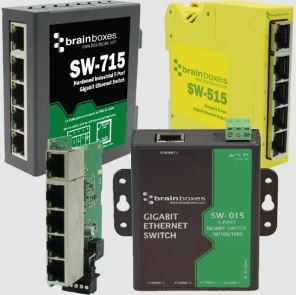
Four more Ethernet drops and no room for a bigger enclosure, and another plug-in switch is another supply and another failure point. One DIN rail switch carries the panel, with PoE to cameras and sensor heads from inside it.

Sixteen ports on one DIN rail unit with dual redundant power. SW-7016, PoE SW-525.
Machine builders and semiconductor tool makers: ship the machine with a data port the customer's IT understands, or design Pure Embedded switching onto your own board. Brainboxes publishes a minimum 10-year design-stability commitment for that range. See the whole industry on our semiconductor and test equipment page.

What Brainboxes makes

Five families, each one job on the network
Brainboxes BB-400 industrial edge controller
01

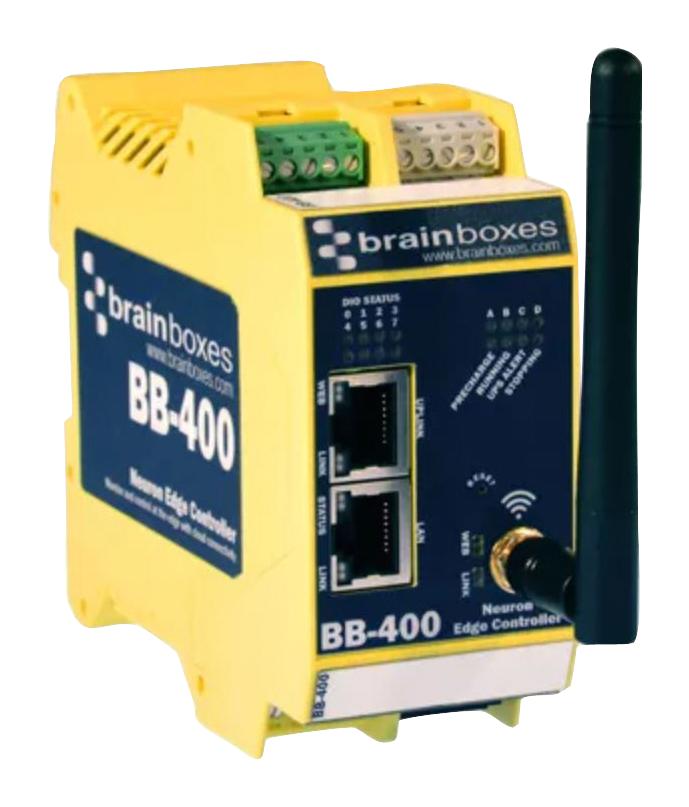
BB-400 edge controller

Runs your code next to the machine: collect, process and publish, on an industrialized Raspberry Pi with an Arduino for the real-time I/O.

  • 8 digital in and 8 out, one RS-232/422/485 port, two Ethernet ports, Wi-Fi and Bluetooth
  • Debian Linux, Docker and web admin; MQTT, OPC UA, REST and Modbus
  • Built-in UPS for a clean shutdown; rated -25 to +80 °C

See the BB-400

Brainboxes ED series remote I/O module
02

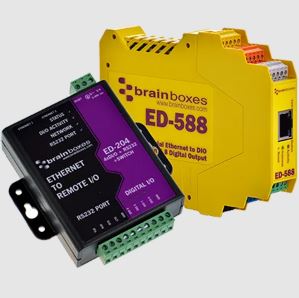
Remote I/O: digital, analog and temperature

States, counts, process values and temperatures as devices your software polls, on the same network.

  • Digital: 16 in, 16 out, 8 in plus 8 out, 8 in plus 4 relays (ED-516, 527, 588, 538)
  • Analog and temperature: 8 analog in, 4 analog out, 4 RTD, 8 thermocouple (ED-549, 560, 582, 593)
  • Modbus TCP or ASCII over TCP; rated -40 to +80 °C

See remote I/O

Brainboxes Ethernet to serial device server
03

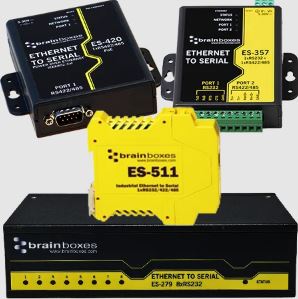
Ethernet to serial

The serial device joins the network and the PC keeps its COM port, so the software does not change.

  • Industrial: 1 or 2 ports, RS-232/422/485 selectable, screw terminals; ES-551 galvanically isolated; rated -40 to +80 °C
  • Desk and rack: 1, 2, 4 or 8 ports on DB9; rated -10 to +60 °C
  • PoE versions run off the network cable (IEEE 802.3af)

See Ethernet to serial

Brainboxes DIN rail industrial Ethernet switch
04

Industrial Ethernet switches

DIN rail switching for the panel, plug in with no configuration, Fast or Gigabit.

  • 4 to 8 ports in industrial, hardened and light-industrial housings; industrial rated -40 to +80 °C
  • Hero: sixteen ports on one DIN rail unit with dual redundant power, SFP fiber uplink versions
  • PoE (IEEE 802.3af/at) to cameras and sensor heads; SFP for a fiber run out of the panel

See the switches

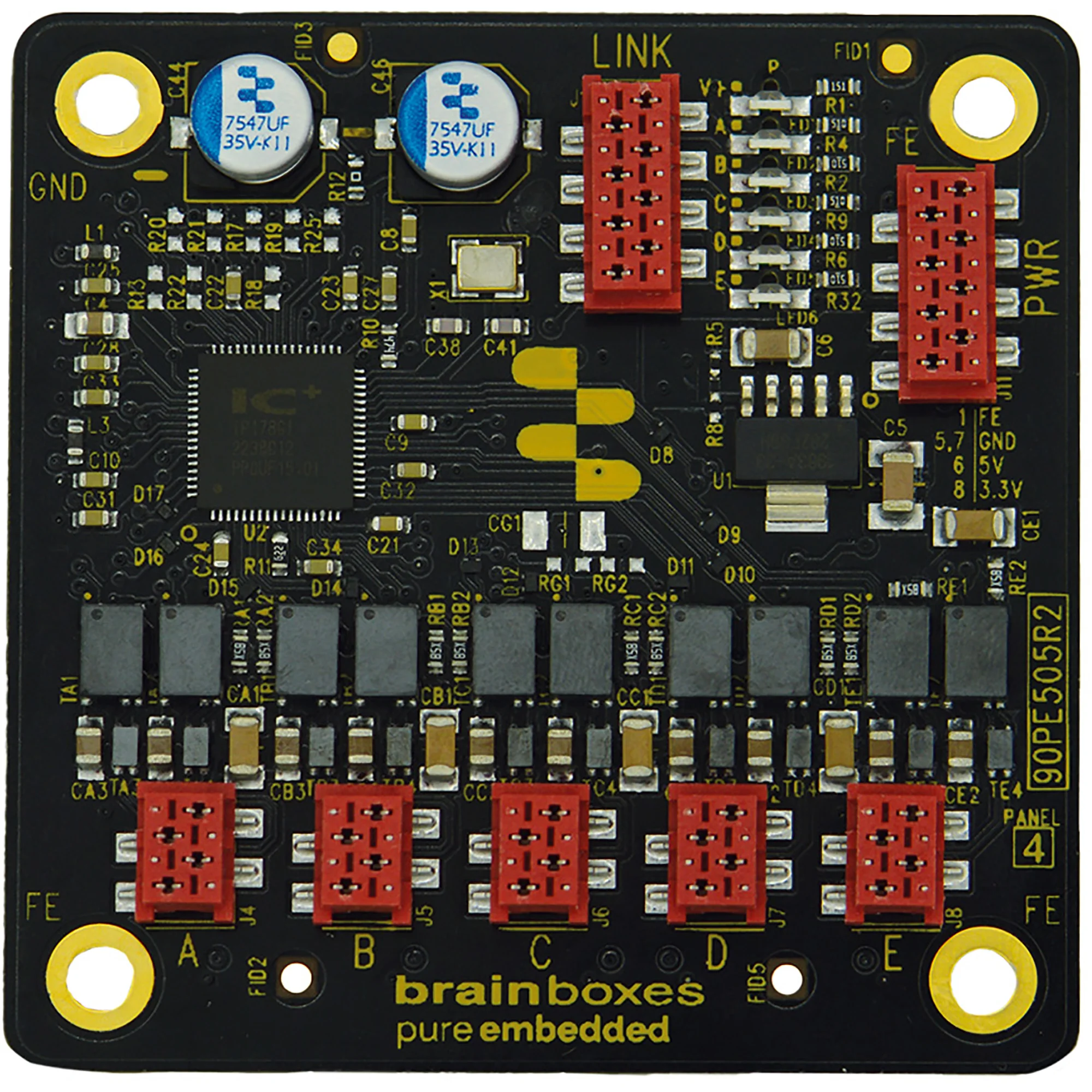
Brainboxes Pure Embedded board-level Ethernet switch
05

Pure Embedded

Board-level switching designed into your own product, 55 x 55 x 10 mm.

  • 5 or 8 port 10/100, 5 port Gigabit and single-port modules
  • CAD footprints and a 3.3 V power module
  • Published minimum 10-year design-stability commitment; rated -40 to +85 °C (10/100)

See Pure Embedded

We also make USB and USB-C to serial adapters and PCI Express serial cards for the bench and the PC: see USB to serial and serial cards. Ratings are the factory's published figures per part; ask for the datasheet before a part goes on a drawing.

The engineering behind it

Why it goes in without a controls change
Same COM portSoftware that talked to a serial port keeps talking to it, now over Ethernet.
Your software polls itModbus TCP or ASCII over TCP, Windows and Linux drivers and a documented API.
Runs on 5 V DCCompact DIN rail units; dual redundant power on the industrial families.
Plug in, no configurationThe DIN rail switches need no setup to pass traffic.
PoE where it helpsPower and data on one cable to cameras, sensor heads and serial units.
Free device toolBB Eco finds and configures Brainboxes devices on the network.

Questions engineers ask us

Straight answers on getting machine data onto the network
How do I put an RS-232 or RS-485 device on Ethernet without changing the software?

Use an Ethernet to serial device server. Brainboxes ES units put the serial port on the network and install a virtual COM port on the PC, so the software keeps opening the same COM port it always used. Industrial versions are 1 or 2 ports with RS-232, RS-422 and RS-485 selectable on screw terminals.

Can I get data off a machine without touching a validated PLC?

Yes. Brainboxes remote I/O reads the same signals from the field side, such as run state, counts, alarms and temperatures, and serves them over Ethernet as Modbus TCP or ASCII over TCP. The control program and its qualification stay exactly as they are.

What protocols do Brainboxes devices speak?

Remote I/O speaks Modbus TCP and ASCII over TCP. Ethernet to serial units work as a Windows virtual COM port, raw TCP or telnet. The BB-400 edge controller adds MQTT, OPC UA, REST and Modbus, with Windows and Linux drivers and a documented API across the range.

What is the BB-400?

The BB-400 is an industrial edge controller built on a Raspberry Pi with an Arduino for real-time I/O. It has 8 digital inputs and 8 outputs, a serial port, two Ethernet ports, Wi-Fi and Bluetooth, and a built-in UPS, and runs Debian Linux with Docker so your own code collects and publishes the data next to the machine.

How do I add Ethernet ports to a control panel with no room left?

Replace the daisy chain of small switches with one DIN rail switch sized for the panel. The Brainboxes Hero carries sixteen ports with dual redundant power on a single unit, and PoE switches feed cameras and sensor heads over the same cable.

Will LabVIEW keep working when a serial instrument moves to Ethernet?

Yes. The virtual COM port means LabVIEW and the VIs you already have open the same COM port. The instrument simply sits on the network instead of a cable run to one PC.

Who supports Brainboxes in Northern California and Nevada?

Dynamic Measurement and Control Solutions is the Brainboxes representative for Northern California and Northern Nevada. We return a part list and datasheets for your machine and scope an evaluation unit with you.

Where Brainboxes works

Anywhere the data is on the machine and not on the network

The rest of the path

Brainboxes moves the data. These lines measure, control and power the machine around it.

See every line in design order on the design path, or the whole line card on the products page.

Tell us what to connect

The machine or instrument, its port, where the data needs to land and the panel space. We return a part list and datasheets and scope an evaluation unit with you.

Tell us what to connect

Additonal Insights

feature image
De-Risking Industrial Ethernet for Modern Automation
Industrial automation networks are the central nervous system of modern manufacturing. They connect controllers, sensors, and I/O devices across the...
Read More

feature image
Leveraging AI-Powered Networking for Predictive Maintenance in Smart Factories
Predictive maintenance is no longer a future ideal — it’s becoming a baseline requirement for smart factories. By detecting machine issues before...
Read More

feature image
Bridging Legacy Systems with Modern Networks
If your machines still run, why replace them? That’s the mindset a lot of OEMs, controls engineers, and industrial designers hold — and for good...
Read More
feature image
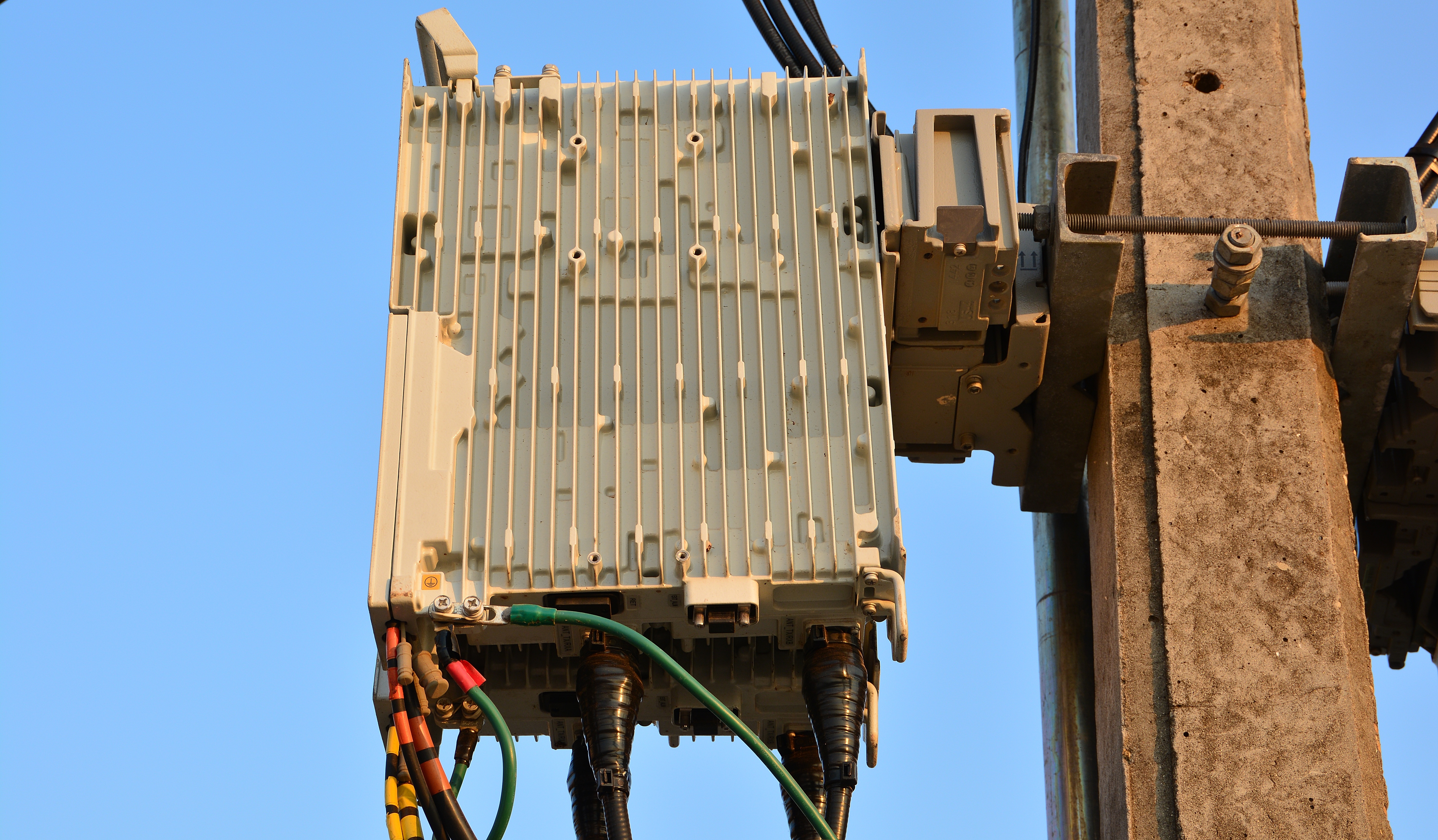
Ensuring Reliable Connectivity in Harsh Environments
Machines don’t call in sick—but harsh conditions can knock them offline.Extreme heat, vibration, humidity, dust, and electromagnetic noise can...
Read More