You can get data off a machine without changing the PLC program by reading the signals at the terminals and the serial ports, beside the controller instead of through it. A remote I/O module or an Ethernet to serial unit mounts on the DIN rail, picks up what the machine already knows, and puts it on the plant network. The program that runs the machine is never opened.
That matters most on older equipment. The machine still makes good parts, the person who wrote the program has moved on, and nobody wants to be the one who edits it.
Why the PLC program is the wrong place to start
Most machine data projects stall at the same point. The data lives inside the controller, and getting it out means a program change. A program change means engineering time, a test, and a stopped machine while it is loaded. On a validated line it can also mean a requalification.
On older equipment there is often a second problem. The program may be password protected, the source file may be lost, or the software that edits it may no longer run on a current laptop.
So the request for run time, counts and downtime reasons sits in a queue. The machine keeps running, and the plant keeps guessing.
The machine already has the signals
A machine tells you a lot without being asked. Most of it is already on a terminal or behind a port.
- Run and stop state. A spare auxiliary contact on the main contactor, or the cycle light on the stack.
- Part counts. A sensor at the exit, or the pulse that already drives a counter on the panel.
- Alarms and stops. The red light, the horn output, a guard switch, a low level float.
- Manual stations. A pushbutton or a foot switch is a signal too, so a hand assembly bench can be counted the same way as a robot cell.
- Temperatures and analog values. A thermocouple on a die, a pressure transducer, a motor current sensor.
- The serial port. A scale, a gauge, a marking unit or an older controller with an RS-232 or RS-485 port that nothing is connected to.
Three ways to pick the data up beside the controller
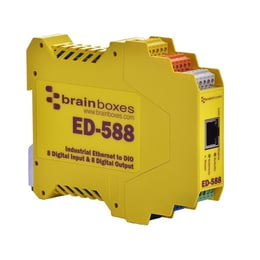 1. Remote I/O for the on and off signals. A Brainboxes digital I/O module reads contacts, lights and sensor outputs and presents them as a Modbus TCP device on the network. Your MES, historian, SCADA system or dashboard polls it directly. Counts and run state come from the module, and the PLC is not part of the conversation.
2. Analog and temperature modules for the values. An analog input module reads voltage or 4 to 20 mA signals. RTD and thermocouple modules read temperatures. Each one puts its readings on the network from the same DIN rail.
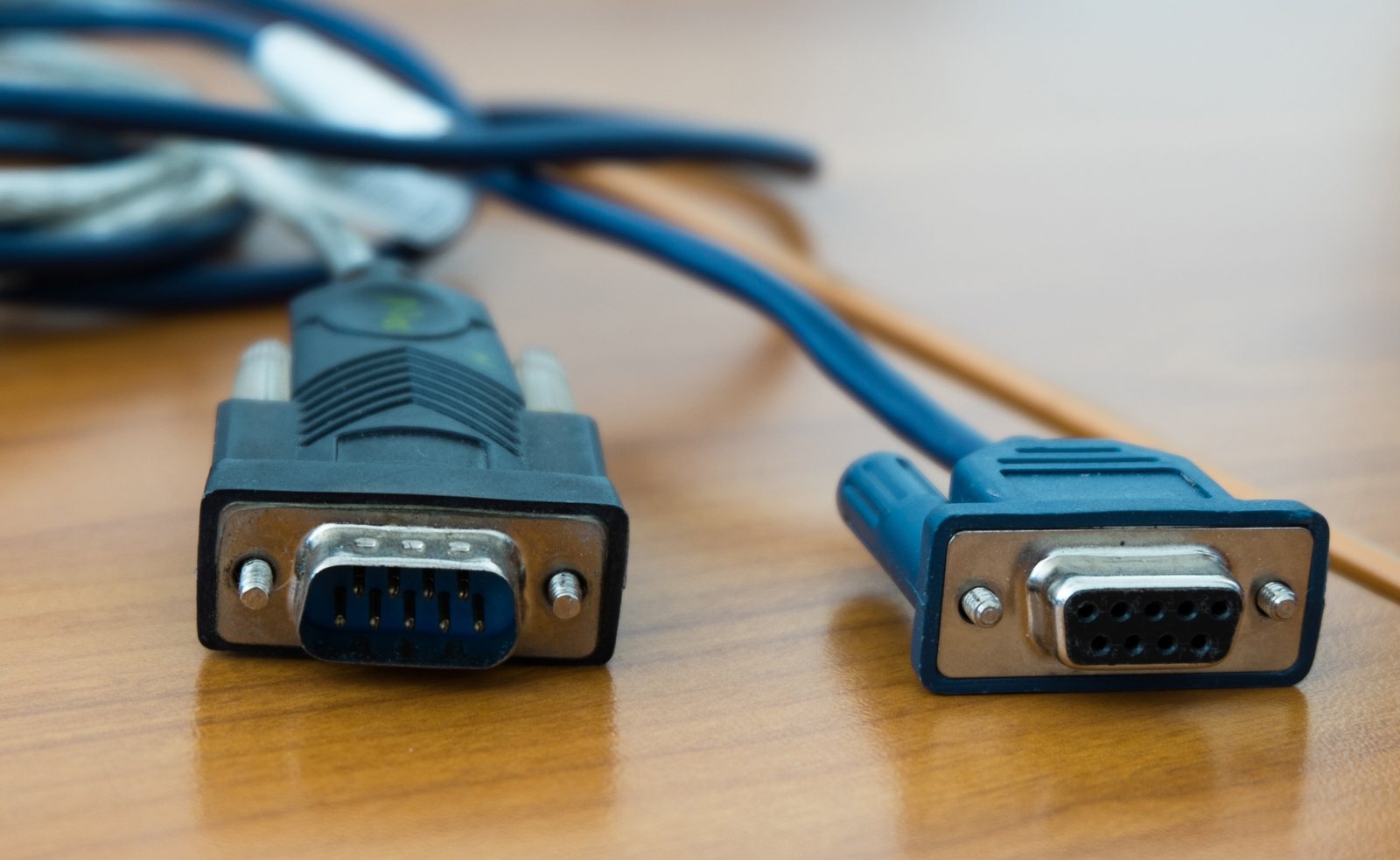
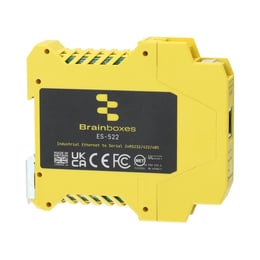 3. Ethernet to serial for the port nobody uses. An industrial Ethernet to serial unit puts an RS-232, RS-422 or RS-485 port on the network. The PC still sees the same COM port it always used, so the software that talks to the instrument does not change. The instrument can now sit a building away from the PC.
How to add machine monitoring to older equipment, step by step
- Write down the questions first. Is the machine running? How many parts came off it? Why did it stop? Three questions usually need fewer than ten signals.
- Walk the panel with the drawing. Mark every signal that already exists on a terminal, and every serial port with nothing plugged into it.
- Count the points. Digital inputs, analog inputs, temperatures and serial ports. The count picks the modules.
- Decide where the data lands. An MES, a historian, a spreadsheet on a server or a screen on the wall. That decides who polls the module.
- Mount, wire and power. The DIN rail units run from a 5 V DC supply, or from any DC supply up to 30 V already in the panel.
- Prove it on one machine. Check the readings against what the operators already record, then copy the same design to the next machine.
One plant that did it this way
A die-casting plant wanted live status from machines whose control systems were off limits. It put one remote I/O module on each machine and wired it to signals that already existed. The modules fed the plant's own factory software and its floor signage. The machine controls were never touched. Brainboxes published the project as a case study
What drives the cost
The hardware is rarely the large number. These are the variables that move the total.
- Point count per machine. One module covers a machine with a handful of signals. More signals or more signal types mean more modules.
- Signal type. On and off signals cost the least to read. Analog, temperature and serial each need their own module.
- Wiring labor. A signal already on a terminal is minutes of work. A new sensor on the machine is hours.
- Network drops. A machine with no Ethernet nearby needs a cable run or a small DIN rail switch in the panel.
- The software at the other end. A system that already polls Modbus TCP needs configuration. A new dashboard needs someone to build it.
Questions to settle before you order
- Who owns the plant network, and will the modules sit on the office network or on a separate machine network?
- Which system will poll the modules, and how often does it need a fresh reading?
- Is each signal you want already on a terminal, or does it need a new sensor?
- Does the instrument's software expect a COM port, and which serial standard does the port use?
- Is this one machine now, or the pattern for the whole line?
Every machine is a little different, and the PLC, the network and the software all have owners. Bring us the machine and the question. We will work through it with you and with Brainboxes and come back with a part list.
Devices that fit each job
| Device | What it is | Where it could be used |
|---|---|---|
| ED-516 | 16 digital inputs | Run state, part counts, alarms and stops on one machine |
| ED-588 | 8 digital inputs and 8 digital outputs | A few states read and a status light or beacon driven on the monitoring layer |
| ED-549 | 8 analog inputs | Pressure, level and motor current signals |
| ED-582 and ED-593 | RTD and thermocouple inputs | Die, oven, bearing and panel temperatures |
| ES-551 | Industrial Ethernet to serial, RS-232, RS-422 or RS-485 on screw terminals | The serial port on a scale, a gauge, a marking unit or an older controller |
| Industrial Ethernet switches | DIN rail switches | A network drop inside a panel that has none |
Each device name opens its Brainboxes product page with the full datasheet.
How it is bought and who supports it here
Brainboxes hardware is orderable through Digi-Key and Mouser. Dynamic is the Brainboxes rep for Northern California and Northern Nevada, so the application help is local. We work out the signal list and the part list with you before you order.
We have written up the same approach for two specific cases: a remote pump station and a semiconductor tool. Our machine data design page covers the wider design question across our product lines, and the Brainboxes page has the full range.
At Dynamic we represent power, control and measurement lines for machine builders, panel shops and plants in Northern California and Northern Nevada, and we are Brainboxes' rep across the territory. We help at the signal list and bill-of-materials stage, where a data path is cheapest to add.
Working on a machine right now? Tell us what you are connecting and we will come back with a part list.